HoverTank1989
A downloadable game for Windows
Welcome to HoverTank1989, a retro-futuristic themed physics based hover tank game made with C++, DirectX, and DirectXTK. This demo features a test fire range for the 6 weapons to try against the autonomous self driving NPCs that navigate the test range and are replaced after destruction via spawners in the two side garage structures.
The Weapons:
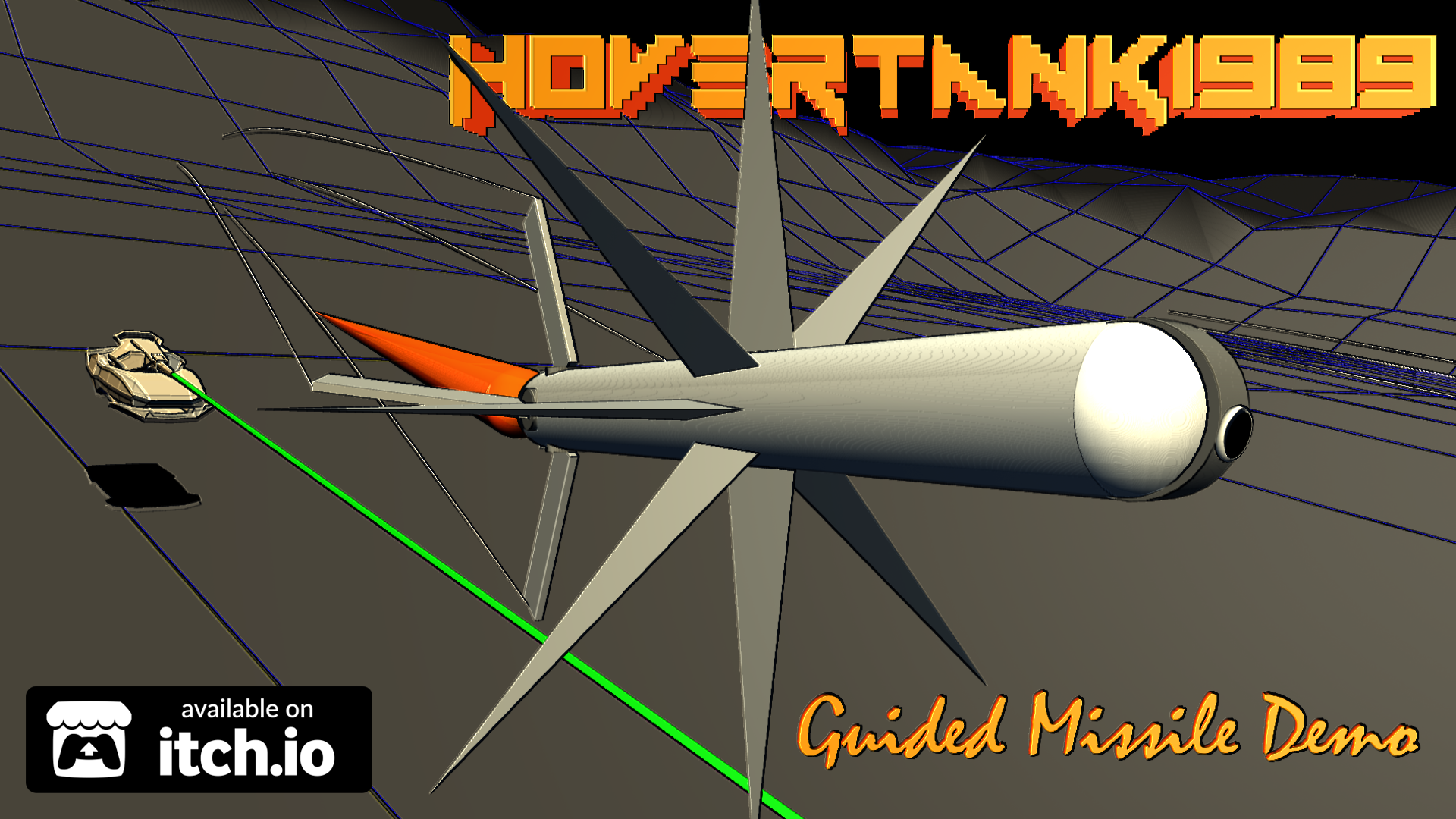
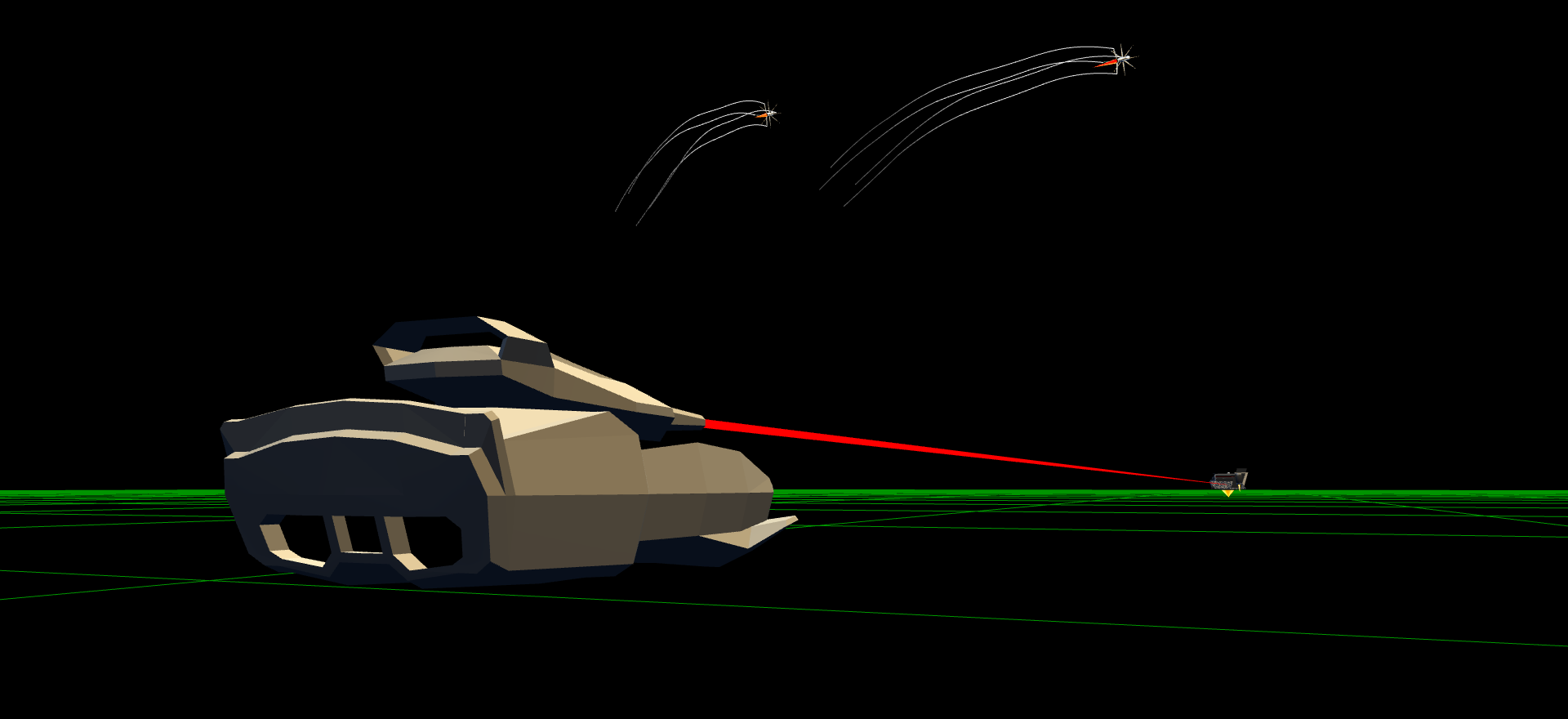
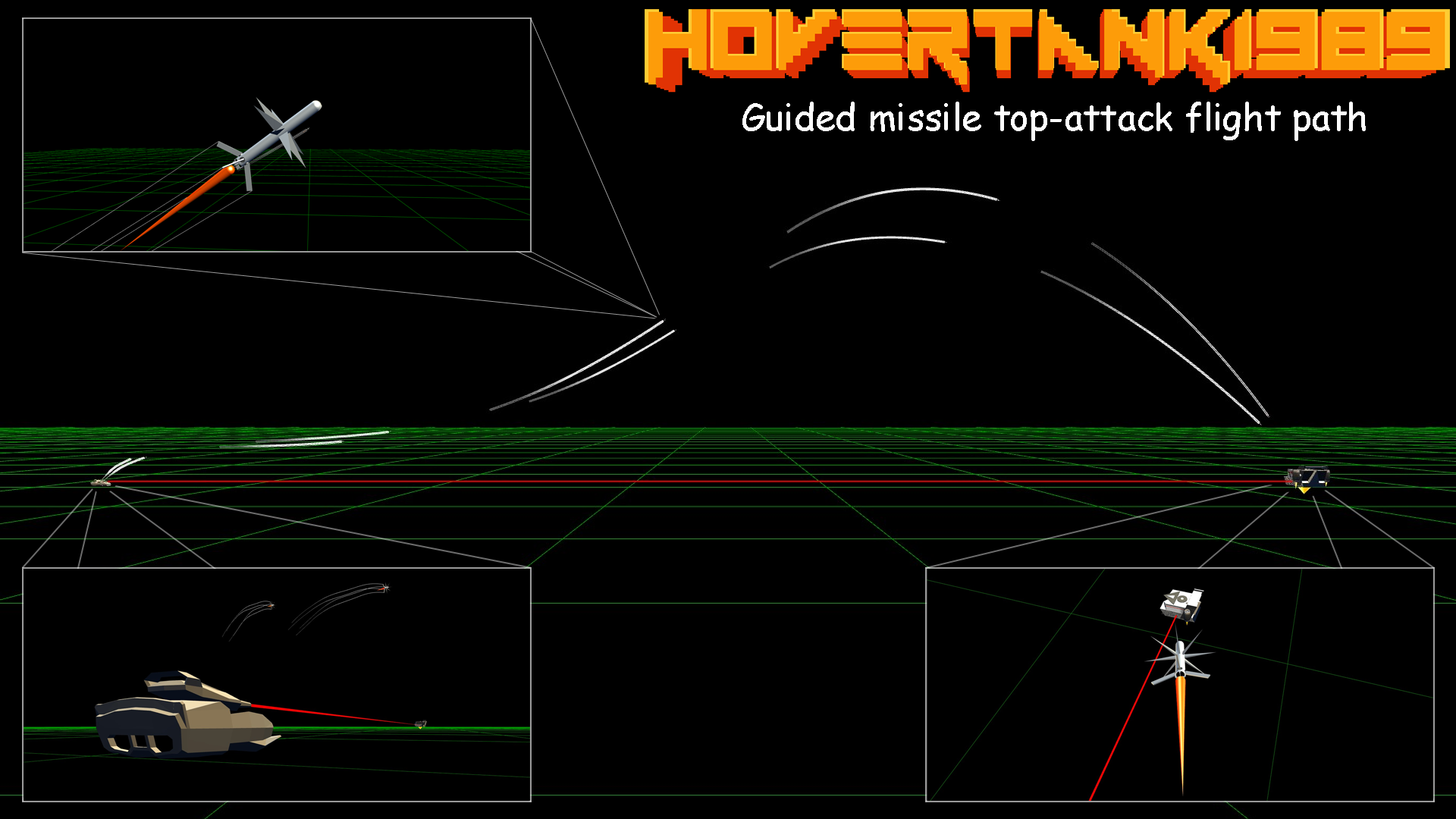
The feature weapon system for this demo is a fire and forget laser targeted guided missile. Toggle on the targeting laser and when it changes from green to red and there is an audio tone, missile lock achieved, fire away. The weapon was reverse engineered from the FGM-148 Javelin missile. Like the Javelin it utilizes a dual stage soft-launch that ejects the missile a safe distance from the vehicle prior to igniting the rocket, deploying the fins, and arming the weapon. This is done to protect the crew launching the weapon but it was the reason it was picked for HoverTank1989, because the physics of it are cool. As the fins are deployed the missile goes from flying in the air like a cylinder to flying through the air like a cylinder with fins. This is done by moving the center of pressure aft on the missile relative to its center of mass. It will cause the missile to turn its nose into the wind and it marks an end to the first of five phases of flight the missile’s guidance & control algorithms to go through prior to meeting with the target.
Phase 2:
After the rocket fires and fins deploy they have to start generating enough lift force to prevent the missile from falling to the ground. In this phase the missile's logic must prioritize air speed, accelerating past stall speed, and not stalling. In this phase target location is not a priority and the missile will pick a flight path solely to avoid crashing. In the real world vehicles mounted with soft launch missiles also have a safety system to prevent them from firing the missile when it is aerodynamicly unsafe, like when the vehicle is going fast backwards or sideways. Baltimore Magic Werks does not believe in such censorship but the legal department insisted on adding this memo: “have fun!”.
Phase 3:
Once the missile has accelerated past stall speed, its fins start generating enough lift force for it to begin the climb for its top-attack run. The top down attack of the Javelin is used to attack the weaker top armor of ground tanks but it has an added benefit against hover vehicles, the downward kinetic impact of the missile drives the exploding vehicle into the ground as opposed to horizontally along the ground and into vehicles that haven’t exploded yet. At BMW we make the extra effort because we care about everyone else.
Phase 4:
After the missile has achieved enough altitude for its top attack it can vector in on its target. A red laser beam is emitted from the seeker lens housing towards the target so the progress can be tracked. If the target is destroyed prior to its intended destruction, the missile will self detonate. See above note about BMW caring.
Phase 5:
When the missile is in attack range it will begin its dive on the target while calculating and intercept trajectory. The warhead has two methods of detonation, either direct impact of if that is judged to not be possible, the warhead triggers a cone AoE detonation to use the increased size of the air burst shotgun effect to hit the target.
The missiles are fired in pairs to counteract the recoil force and yaw torque due to their offset side mounted firing positions and launch angle. This isn't an issue on ground based vehicles that are not floating. It is also not an issue for the recoils of the main gun because it is centered.
The 5 Main Gun Ammo Types:
The other 5 weapon options available are various ammo types for the main cannon and fall into the two categories of kinetic & explosive damage types. The kinetic ammo allows the main gun to fire as a cannon, shotgun, or machine gun. To highlight the kinetic impact on targets this ammo type does not damage or destroy them, it just delivers force in newtons. The explosive ammo does destroy targets, causing them to explode. These explosions can have a chain effect on to nearby vehicles, detonating them as well. But sometimes that is a good thing. There is a traditional explosive ammo option or MIRV airburst ammo that was a staple of retro 2D tank games. The user triggers the detonation in midair to time it for optimal effect.
The NPCs:
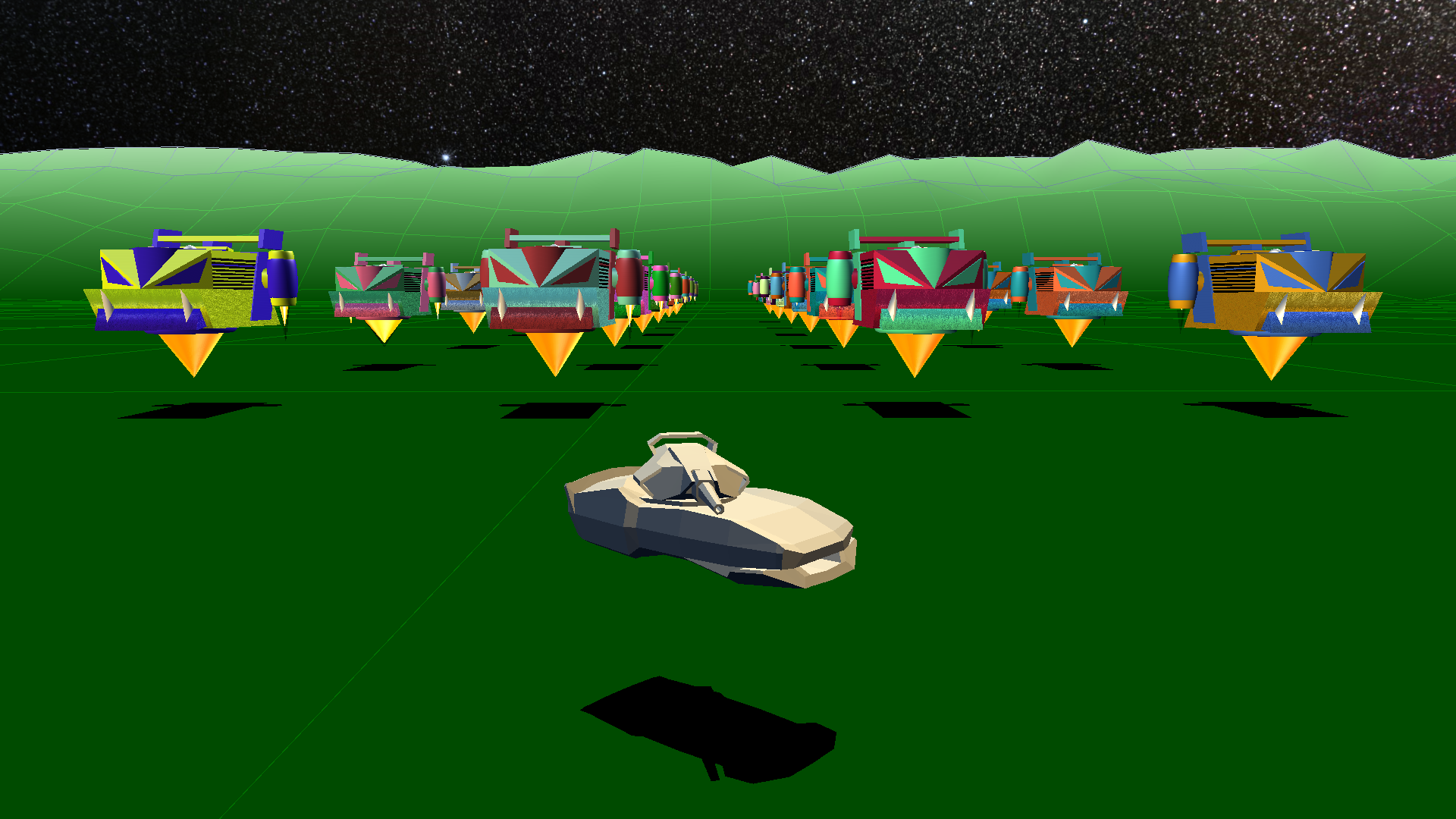
Each of the target drone NPCs is an autonomous AI unit that uses invisible detection volumes to “perceive” the world and navigate around each other. Each NPC can “see” the position & velocity data of other NPCs within these invisible detection volumes. The only time direct communication occurs between NPCs is when they engage their jump boosters to avoid a collision. When an NPC engages its jump booster it sends a message to the NPC it is trying to jump, telling it to not jump. This helps prevent the figure 8 track from being a comedy traffic jam of flying head butts. While the NPCs each have an independent AI, they are all clones of the same AI. So they tend to make the same realization at the exact same time as they move along their waypoints which are indicated on the large circles on the terrain linked to form a figure 8 track.
The Tank:
How do you make a sci-fi hover tank with real world physics?
Easy, remove the maximum output limit on the motor generating the hover tank’s lift force. It will probably crush the spines of all inside and/or make them want a motion sickness support bucket. Not touching the ground isn’t the same thing as hovering, the application of the lift force must elevate the craft in a stable manor without too much bouncing. That is the hard part. In the development for a suitable hover motor many futuristic sci-fi technologies were tried but the top-secret core of the hover drive used lies in the past in the mind of the great Archimedes himself.
The Archimedes Hover Drive is a force output algorithm that manipulates the equation of the Archimedes principal to deliver a smooth and stable firing platform for a hover tank.
*** Warning! ***
This hover drive tech is currently in redevelopment and being overhauled. The hover tank can get stuck on the walls of the terrain. A jump key option is available to help get unstuck. Adding audio to the game prompted a design change in the motor choice for the hover tank. Currently the motor is a modified jet turbine from HeliGame1989 but the plan is to convert it to a hybrid gasoline/diesel internal combination setup.
The Physics:
The fourth order Runge-Kutta method is used, RK4. The mass and dimensions of the missile are based on available data on the real world Javelin. It is rendered using a composite method of 21 primitive geometric shapes to represent each piece of the missile. The dimensions data from this “code the art” approach can then be fed directly into the physics engine for aerodynamic calculations such as lift force and drag of each fin as the missile flies through the air.
Audio:
An attempt to add some sound to the game was made. It is imperfect & incomplete, but an attempt was made.
The Tech/info:
No AI or 3rd party game engine was used.
Download
Install instructions
Welcome to HoverTank1989.
Start Guide:
1. Unzip file (you should have already done this)
2. Run HoverTank1989.exe in the HoverTank1989 file (you might have to right mouse click and “Run as Administrator”)
3. If it still fails to launch install the included VC_redist.x64 file, it is the Microsoft Visual C++ redistributable package.
4. Enjoy
### Keyboard Controls
### Vehicle Movement Controls
Move Forward : W key or NumPad 8
Move Back : S key or NumPad 5
Strafe Left : A key or NumPad 4
Turn Left : Q key or NumPad 7
Strafe Right : D key or NumPad 6
Turn Right : E key or NumPad 9
### Turret & Weapon Controls
Toggle Look Invert : I key
Turret Yaw Left : Left Arrow key or NumPad 1
Turret Yaw Right : Right Arrow key or NumPad 3
Weapon Pitch Down : Up/Down Arrow key or NumPad 0
Weapon Pitch Up : Up/Down Arrow key or NumPad 2
Cycle Ammo Types : F key
Toggle Targeting Laser On/Off : ‘L’ key
Detonate MIRV ammo : M key
Fire Selected Weapon : Spacebar
Zoom In : Period key
Zoom Out : Comma Key
### Gamepad Controls
Toggle Look Invert : Back Button
Forward/Reverse/Strafe : Left Thumbstick
Rotate Tank: L/R Triggers
Turret Yaw & Pitch : Right Thumbstick
Toggle Targeting Laser On/Off : Left Bumpter Button
Fire Weapon : Right Bumper
Cycle Missile Track State : Y Button
Debug Jump : X Button
Detonate MIRV ammo : A Button
Cycle Ammo/Weapon Type : B Button
Zoom In : d-pad up
Zoom Out : d-pad down
System Requirements:
- OS: Windows 10 or 11 (64-bit)
- Graphics: DirectX 11 compatible GPU
- Dependencies: Microsoft Visual
C++ redistributable package & DirectX updates
Leave a comment
Log in with itch.io to leave a comment.